
Last Updated: November 07, 2026
Preparing a meal for more or fewer people does not have to mean starting a recipe from scratch. Whether you are cooking for a small family dinner, preparing meals for the week, or hosting a larger gathering, adjusting ingredient quantities can help you prepare the right amount of food.
The Recipe Scaler Calculator from AffordablyUSA makes this process easier. Enter the number of servings in your original recipe, choose the number of servings you want, and add your ingredients. The calculator automatically adjusts each quantity using a proportional scaling factor.
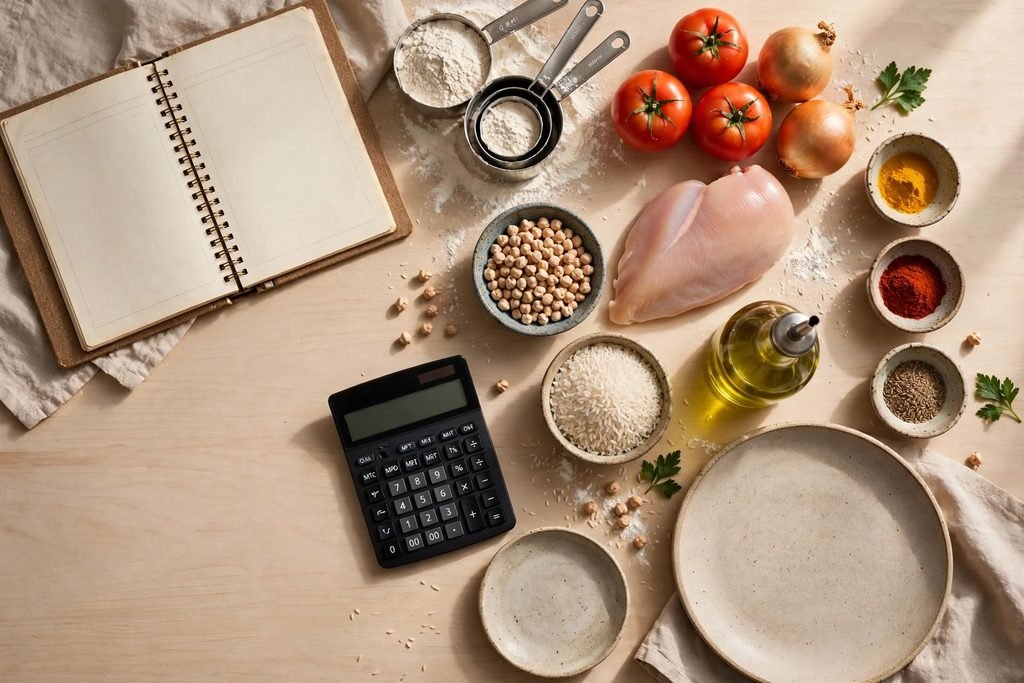
For example, if a recipe serves four people but you need enough food for eight, the calculator doubles the ingredient quantities. If you want to prepare only two servings, it reduces the quantities by half.
This free recipe scaling tool is useful for everyday cooking, family meal planning, batch preparation, and organizing affordable halal meals at home.
Recipe Scaler Calculator
Adjust ingredient quantities for any serving size in seconds.
Recipe Details
Recipe Ingredients
Add each ingredient and its original quantity.
Adjusted Ingredients
Enter your ingredients and select “Scale My Recipe” to see the adjusted quantities.
Scaling ingredient quantities does not automatically change cooking time, oven temperature, or pan size. Check your recipe and monitor the food as it cooks.
This tool calculates ingredient quantities using a proportional scaling factor. Results are estimates for recipe planning. Some recipes, especially baking recipes, may require additional adjustments to ingredients, equipment, and cooking methods.
What Is a Recipe Scaler Calculator?
A recipe scaler calculator is a kitchen planning tool that adjusts ingredient quantities according to the number of servings you want to prepare.
Recipes are usually written for a specific yield, such as two, four, six, or eight servings. When the number of people changes, the ingredient amounts need to change as well.
Instead of calculating every ingredient manually, a recipe scaler uses a simple mathematical formula:
Scaling Factor = Desired Servings ÷ Original Servings
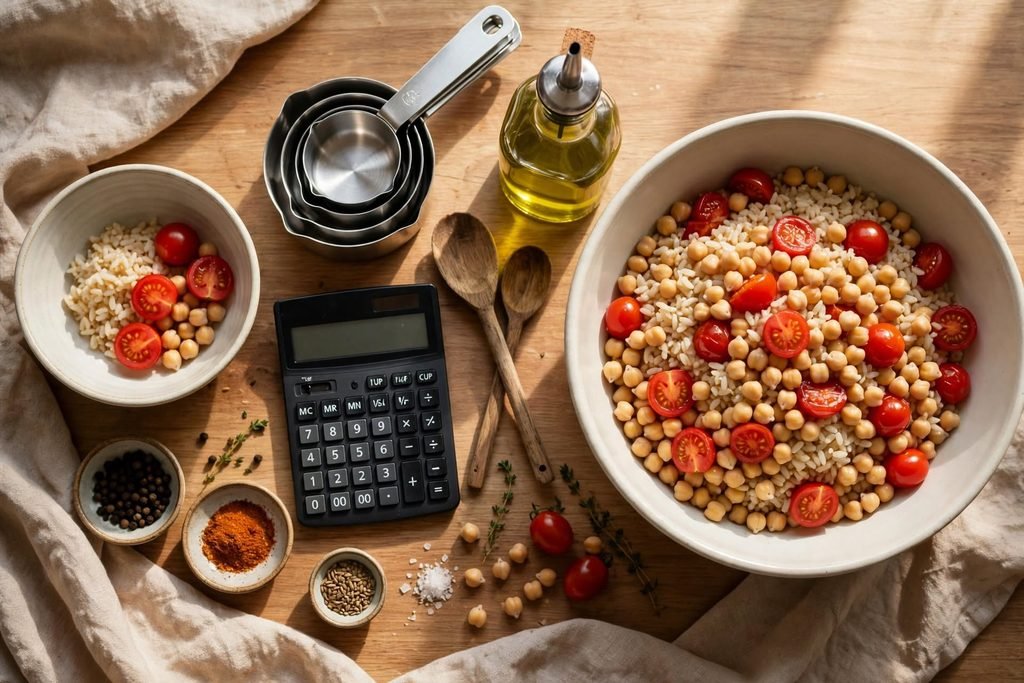
Each original ingredient quantity is then multiplied by this factor.
For example, if a recipe serves four people and you want to prepare ten servings:
- Original servings: 4
- Desired servings: 10
- Scaling factor: 10 ÷ 4 = 2.5
Every ingredient that scales proportionally is multiplied by 2.5.
This method helps you adjust a recipe consistently and reduces the chance of forgetting to change one of its ingredients.
How to Use the Recipe Scaler Calculator
The AffordablyUSA calculator is designed to make recipe adjustments straightforward.
Step 1: Enter the Original Serving Size
Look at your recipe and identify how many servings it normally produces. Enter that number in the Original Servings field.
For example, if the recipe makes enough food for four people, enter 4.
Step 2: Enter Your Desired Serving Size
Decide how many people you want to serve. Enter the new number in the Desired Servings field.
You can increase or decrease the recipe. For example, change four servings to six, eight, or ten, or reduce it to two servings.
Step 3: Add Your Ingredients
Enter each ingredient separately. Include its name, original quantity, and measurement unit.
The calculator supports common kitchen units such as cups, tablespoons, teaspoons, ounces, pounds, grams, kilograms, milliliters, and liters.
For example:
- Flour: 2 cups
- Sugar: 1 cup
- Butter: 0.5 cup
You can add more ingredients using the Add Ingredient button or remove any ingredient you no longer need.
Step 4: Scale Your Recipe
Select Scale My Recipe. The calculator determines the scaling factor and multiplies each ingredient quantity by that factor.
The adjusted ingredient list appears in the results panel. You can then use the Copy Adjusted Ingredients button to copy the new quantities for your cooking notes.
Step 5: Review the Results Before Cooking
Check the adjusted quantities carefully, especially when a recipe includes eggs, spices, salt, yeast, or baking powder.
The calculator performs proportional arithmetic. It does not determine whether every ingredient behaves exactly the same way when a recipe is made in a different quantity.
Examples of Scaling a Recipe
Understanding a few common examples can help you use the calculator confidently.
Example 1: Doubling a Recipe
Suppose your original recipe serves four people, but you are preparing dinner for eight.
The scaling factor is:
8 ÷ 4 = 2
If the original recipe requires two cups of flour, the adjusted quantity is four cups. If it requires one tablespoon of olive oil, the adjusted quantity is two tablespoons.
This is a simple way to increase a recipe when you are expecting additional guests.
Example 2: Halving a Recipe
Imagine that a recipe serves six people, but you only need three servings.
The scaling factor is:
3 ÷ 6 = 0.5
A recipe that requires two cups of rice would need one cup after scaling. A recipe that requires four tablespoons of an ingredient would need two tablespoons.
Reducing a recipe can help avoid preparing more food than your household needs.
Example 3: Preparing a Larger Family Meal
Suppose a family recipe serves five people, but you need twelve servings for a family gathering.
The scaling factor is:
12 ÷ 5 = 2.4
Multiply each ingredient quantity by 2.4 to calculate the proportional amount required for the larger serving size.
For ingredients that are difficult to measure precisely, use a kitchen scale where appropriate and make practical adjustments without changing the intended recipe unnecessarily.
Important Tips for Scaling Recipes Accurately
Although the basic calculation is simple, good results also depend on how ingredients are measured and how the recipe is prepared.
1. Use Consistent Measurement Units
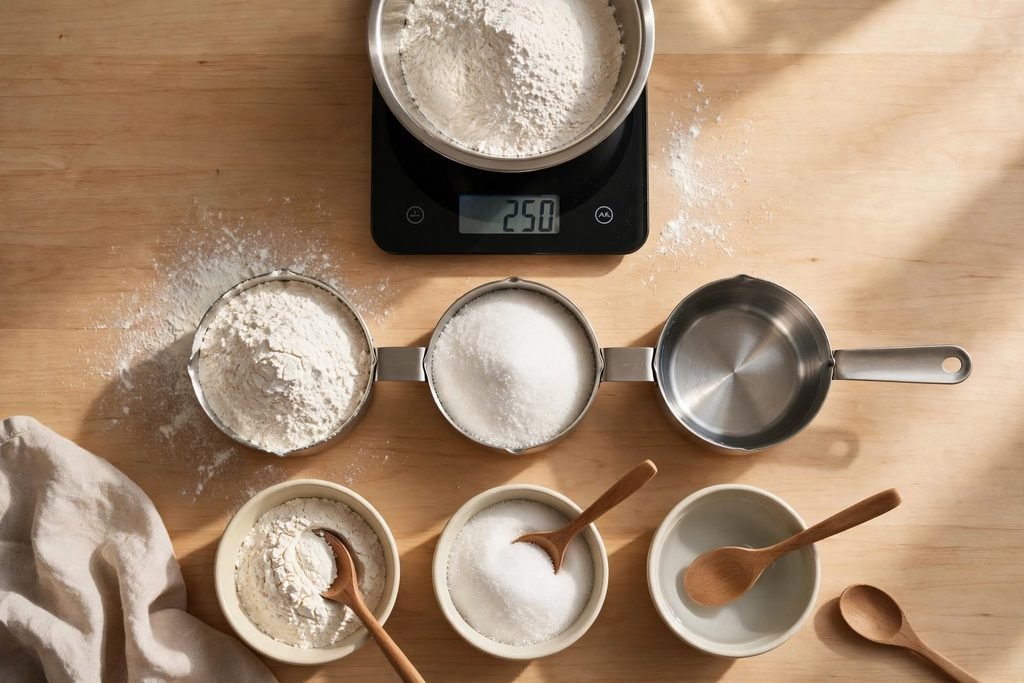
Avoid confusing weight measurements with volume measurements. Grams and ounces measure weight, while cups, tablespoons, and milliliters measure volume.
A cup of flour does not weigh the same as a cup of sugar or a cup of water. If a recipe provides ingredient weights, using a kitchen scale can improve consistency.
The National Institute of Standards and Technology provides educational resources about metric kitchen measurements, ingredient quantities, and measurement techniques. You can explore its NIST Metric Recipes resource.
2. Be Careful When Scaling Baking Recipes
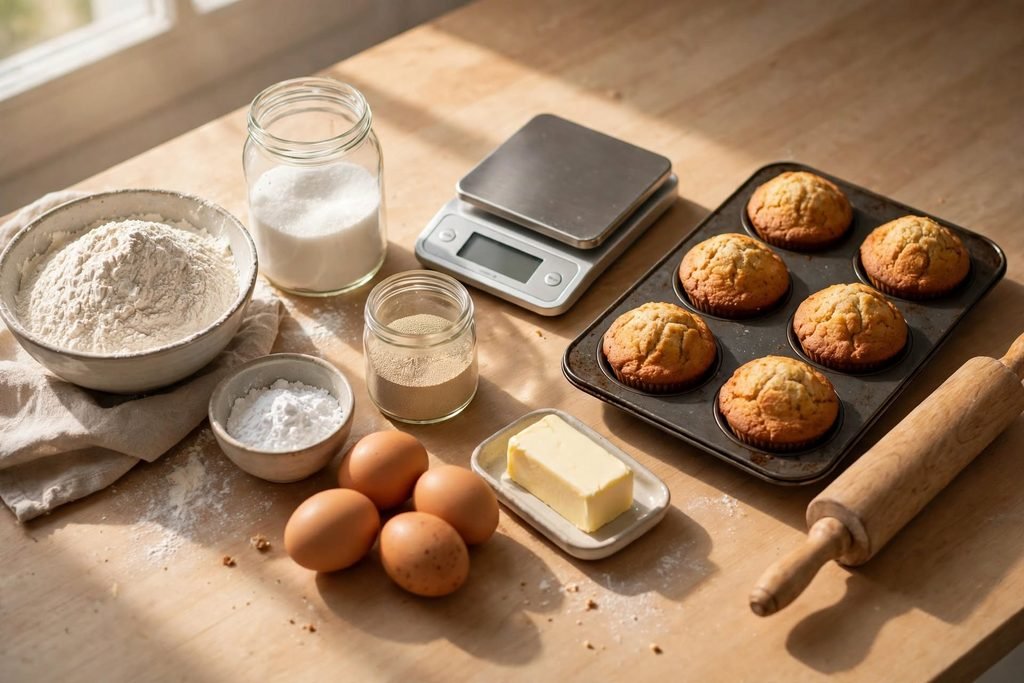
Baking often requires more precision than everyday cooking. Flour, sugar, liquids, and fats may scale proportionally, but changes in the quantity of baking powder, baking soda, yeast, or other ingredients can affect the final texture and structure.
A larger batch may also require different equipment or multiple baking batches.
When possible, follow a tested version of the recipe for the new serving size. The University of Kentucky Cooperative Extension discusses recipe reduction and explains why converting baking ingredients to weight can improve accuracy. See its guide, Baking for One, Two or a Few.
3. Adjust Seasonings Carefully
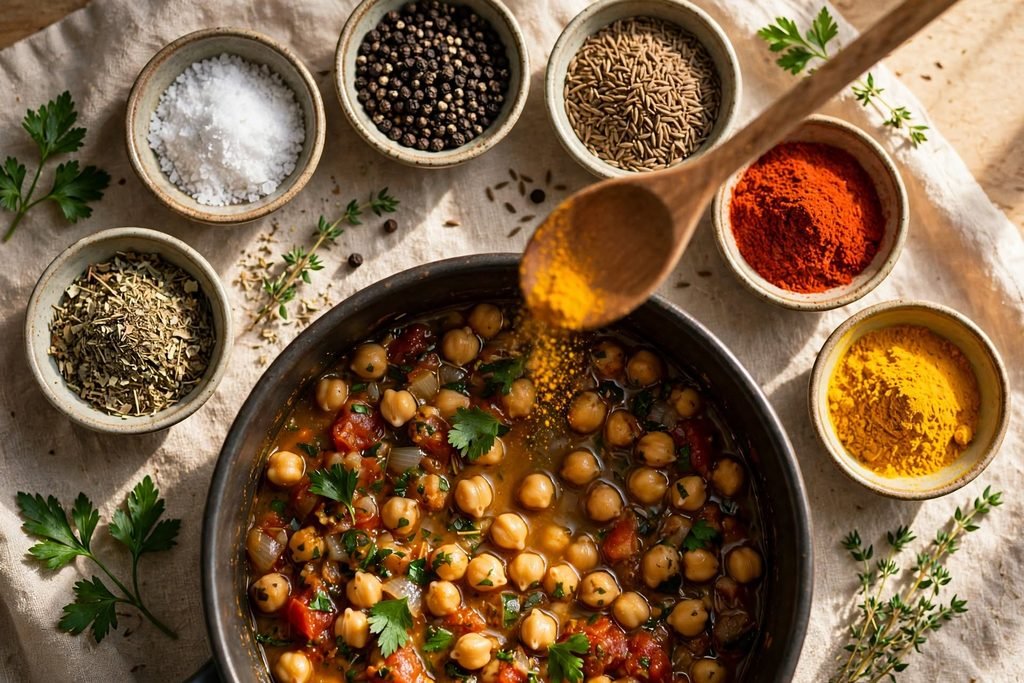
Salt, pepper, herbs, and spices influence the flavor of a dish. Although their quantities can be multiplied mathematically, it is often practical to add some seasoning gradually, taste the food when appropriate, and adjust before serving.
This is particularly useful when preparing a much larger batch or when the original recipe contains strong seasonings.
4. Do Not Automatically Multiply Cooking Time
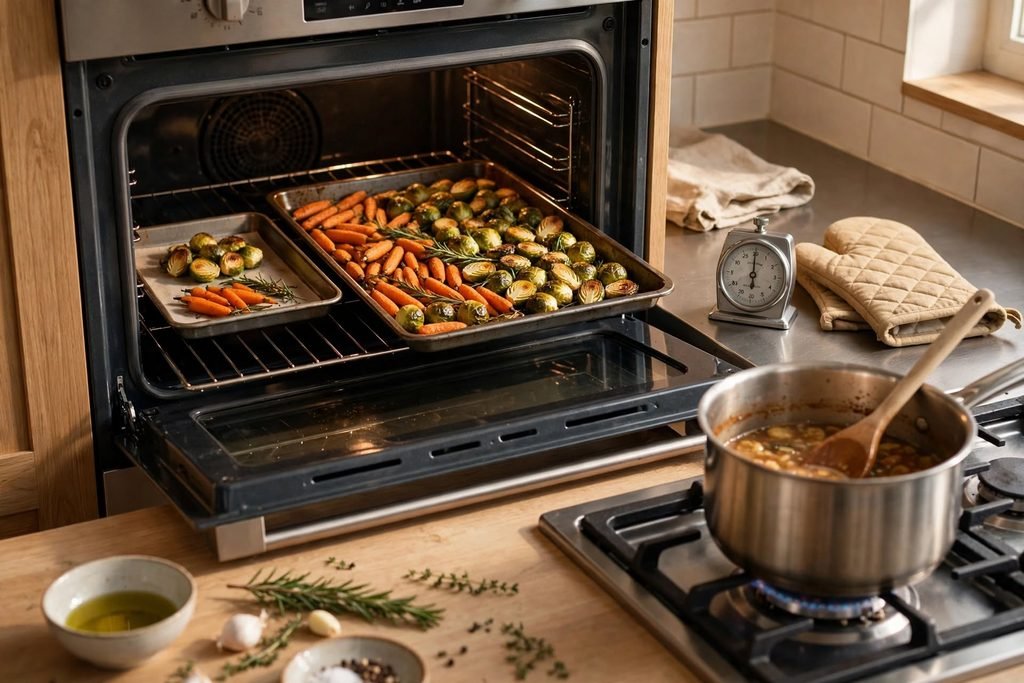
Doubling a recipe does not necessarily mean doubling the cooking time. Cooking time depends on factors such as the depth of the food, the size and shape of the cookware, the oven, and the cooking method.
A larger batch may need to be divided between several pans or prepared in multiple batches. Follow the recipe’s instructions and check that food is properly cooked.
5. Keep Ingredient Forms Consistent
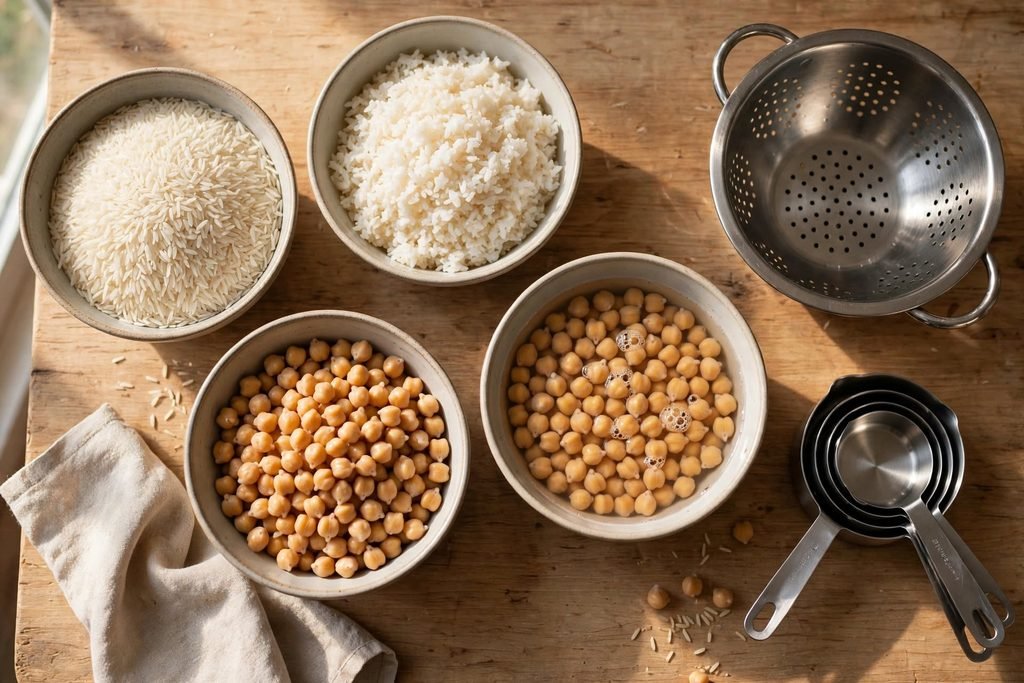
Pay attention to how an ingredient is described. For example, dry rice, cooked rice, drained beans, and undrained beans are not interchangeable quantities.
Scale the form specified in the original recipe. If the recipe calls for drained chickpeas, use the drained quantity as your starting point.
Recipe Scaling for Affordable Halal Meal Planning
Recipe scaling can be especially useful when planning affordable halal meals for a household.
Instead of preparing a completely different meal every day, you can choose a few versatile dishes and adjust their quantities to match your family’s needs.
For example, a rice dish, vegetable stew, lentil soup, or chicken meal may be prepared in different quantities depending on the number of people eating.
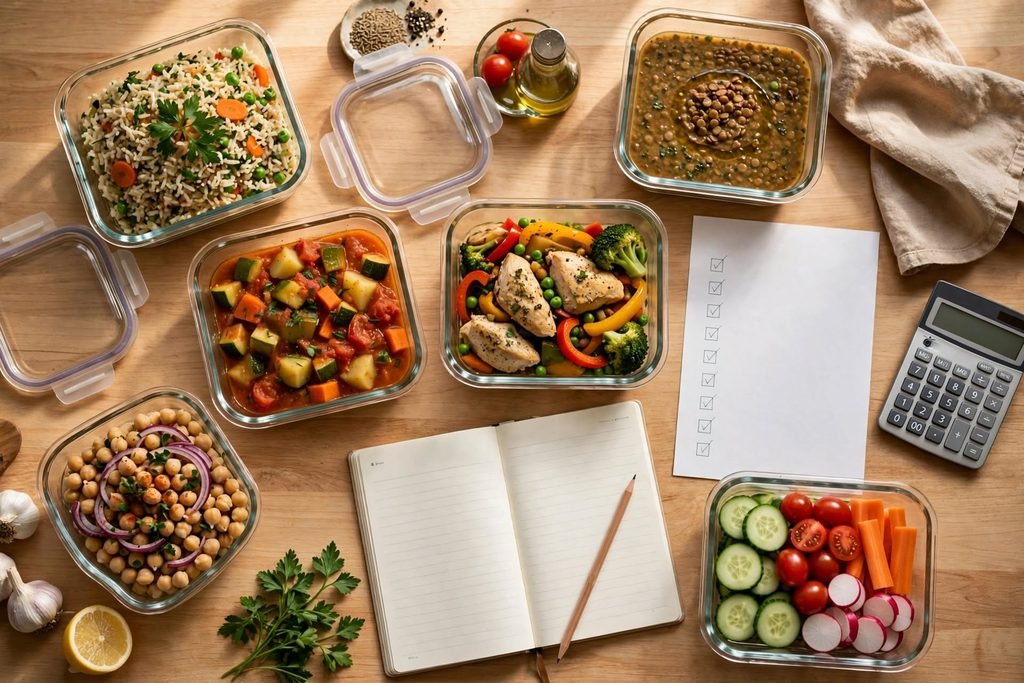
A practical meal planning routine can include:
- Estimate how many people will eat each meal.
- Choose recipes that use ingredients you already have.
- Adjust the serving sizes before shopping.
- Prepare suitable quantities to reduce unnecessary leftovers.
- Store and refrigerate food safely.
- Use suitable leftovers in planned meals rather than allowing them to go to waste.
If you are organizing meals for the week, our guide on How to Plan Affordable Halal Meals for the Week can help you build a practical meal schedule.
You can also explore Easy and Affordable Halal Meals to Cook at Home for everyday meal ideas.
How Recipe Scaling Can Help Reduce Food Waste
Preparing too much food can lead to unnecessary waste, especially when meals are not stored or used in time.
Adjusting ingredient quantities to the number of people you expect to serve can help you plan more accurately. It can also make grocery shopping easier because you have a clearer idea of how much food you need.
Before buying ingredients, check your pantry, refrigerator, and freezer. Use ingredients that are already available when they fit your meal plan.
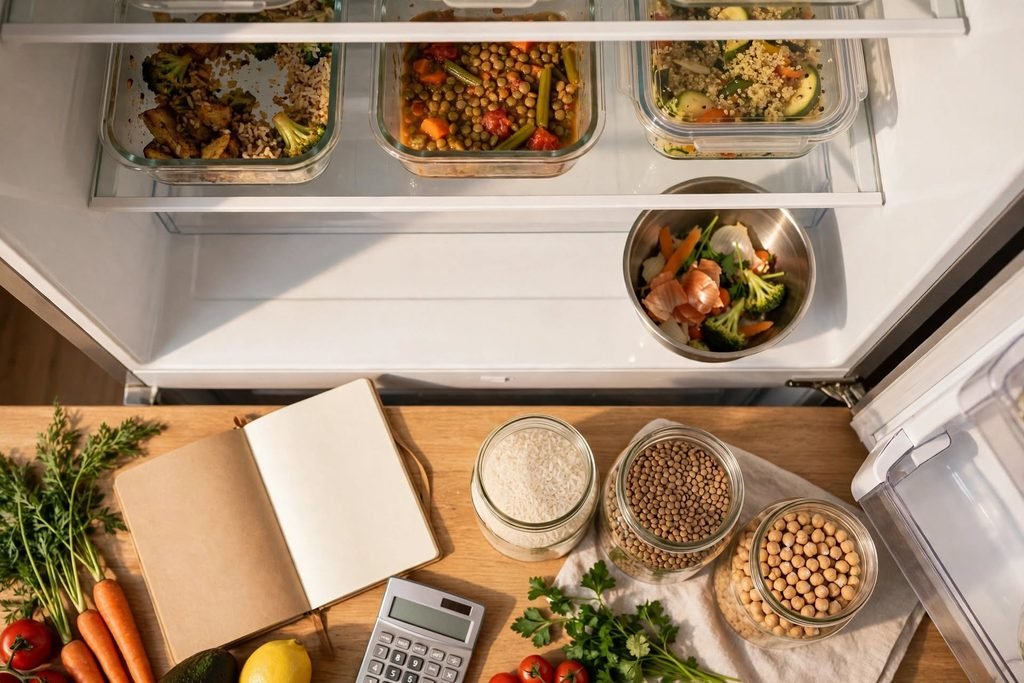
If you regularly have unused ingredients or leftovers, read our guide on How to Reduce Food Waste in Your Kitchen.
For safe food handling and storage, consult the USDA’s Food Safety and Inspection Service. Follow appropriate refrigeration, storage, and reheating guidance for the foods you prepare.
Choosing and Checking Halal Ingredients
Scaling a recipe changes quantities, not the halal status of its ingredients. If you are preparing halal meals, check the ingredients and product information before using them.
For packaged foods, review the ingredient list and look for reliable halal certification when appropriate. Some ingredients and additives may require additional investigation because their source or manufacturing process can vary.
Do not assume that a product is halal simply because it contains familiar ingredients or has a vegetarian label. When the status of an ingredient is unclear, contact the manufacturer or consult a trusted halal certification organization.
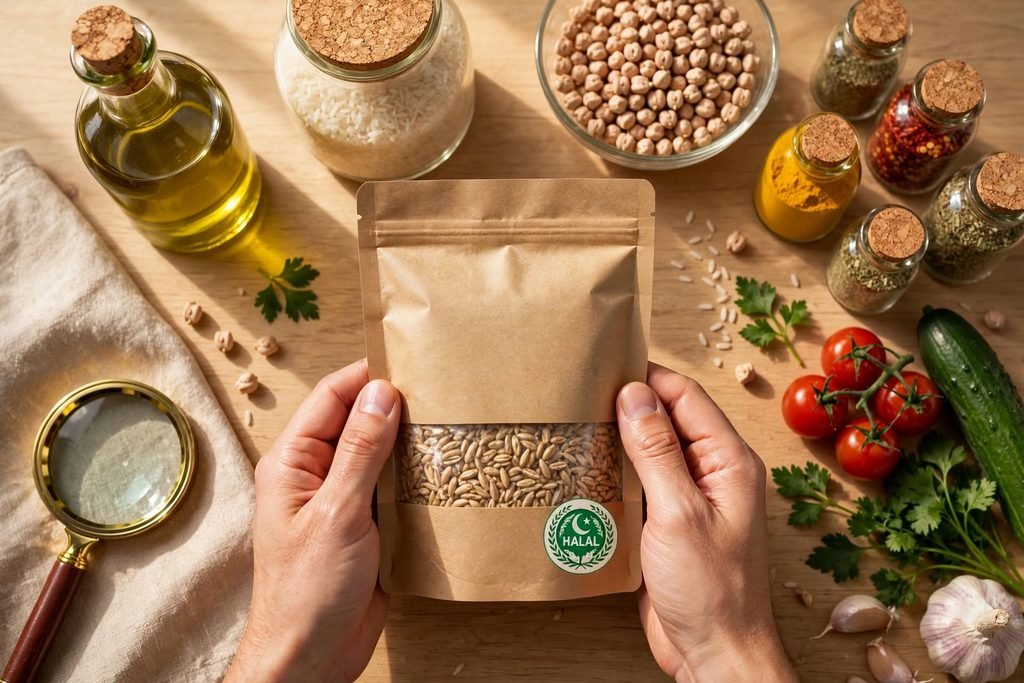
Our guide on How to Identify Halal Ingredients on US Food Labels provides more information about reading ingredient lists and checking product information.
Related Meal Planning Tools
AffordablyUSA offers additional tools to help organize food preparation and grocery planning.
- Recipe Cost Calculator – Estimate the total cost of a recipe and its cost per serving.
- Halal Grocery List Generator – Organize ingredients into a practical grocery shopping list.
Using these tools together can help you estimate recipe quantities, understand food costs, and prepare a more organized shopping plan.
Final Thoughts
Scaling a recipe is a practical way to prepare the right amount of food for different household sizes and occasions. By entering the original and desired serving sizes, you can calculate adjusted ingredient quantities without repeating the arithmetic for every ingredient.
The AffordablyUSA Recipe Scaler Calculator helps make this process easier. Use it when preparing family meals, planning gatherings, organizing weekly cooking, or adjusting recipes to reduce unnecessary food purchases.
Remember that the calculator adjusts ingredient quantities proportionally. Baking conditions, cooking times, equipment, and food safety requirements may need separate attention. Always review the original recipe and use appropriate food handling practices.
Frequently Asked Questions
A recipe scaler calculator is a tool that adjusts ingredient quantities when you increase or decrease the number of servings in a recipe. It uses the ratio between the original and desired serving sizes to calculate new ingredient amounts.
To double a recipe, multiply every ingredient quantity by two. For example, if a recipe requires two cups of flour, you will need four cups when doubling it. Enter the original and desired servings into the calculator to get the adjusted quantities.
To halve a recipe, divide each ingredient quantity by two. For example, one cup of sugar becomes half a cup. You can also enter half the original serving size into the Recipe Scaler Calculator.
The scaling factor is the number used to adjust the original ingredient quantities. Calculate it by dividing the desired servings by the original servings. A factor of 2 doubles the recipe, while a factor of 0.5 reduces it by half.
Yes, but baking requires extra care. Changes in baking powder, baking soda, yeast, pan size, and mixing conditions can affect the final result. Use accurate measurements and follow tested recipe instructions whenever possible.
No. Cooking time does not automatically increase in the same proportion as ingredient quantities. It depends on the food’s thickness, cooking equipment, temperature, and preparation method. Check the food as it cooks.
Yes. The calculator works with any recipe, including halal meals. It adjusts quantities only; it does not verify whether ingredients are halal. Always check product ingredients and reliable certification when needed.
No. The calculator multiplies ingredient quantities while keeping their original measurement units. It does not convert volume into weight because different ingredients have different densities.
Yes. Enter the original serving size and the number of guests you expect. The calculator will estimate the adjusted ingredient quantities. For very large batches, consider equipment capacity and whether you need to cook in multiple batches.
Yes. The AffordablyUSA Recipe Scaler Calculator is a free online tool. You can enter serving sizes and ingredients to calculate adjusted quantities without purchasing a subscription.