
Last Updated: November 04, 2026
Planning a tiling project starts with knowing how many tiles you need to cover your floor or wall. Buying too few tiles can delay installation, while ordering too many may increase your expenses and leave you with unused materials. A reliable tile calculator helps estimate the required quantity before you begin.
Our free tile calculator makes this process easier. Enter the dimensions of your surface, provide the length and width of one tile, and add an allowance for cutting and breakage. The tool estimates the number of tiles and complete boxes required. You can also enter the price per box to estimate your material cost.
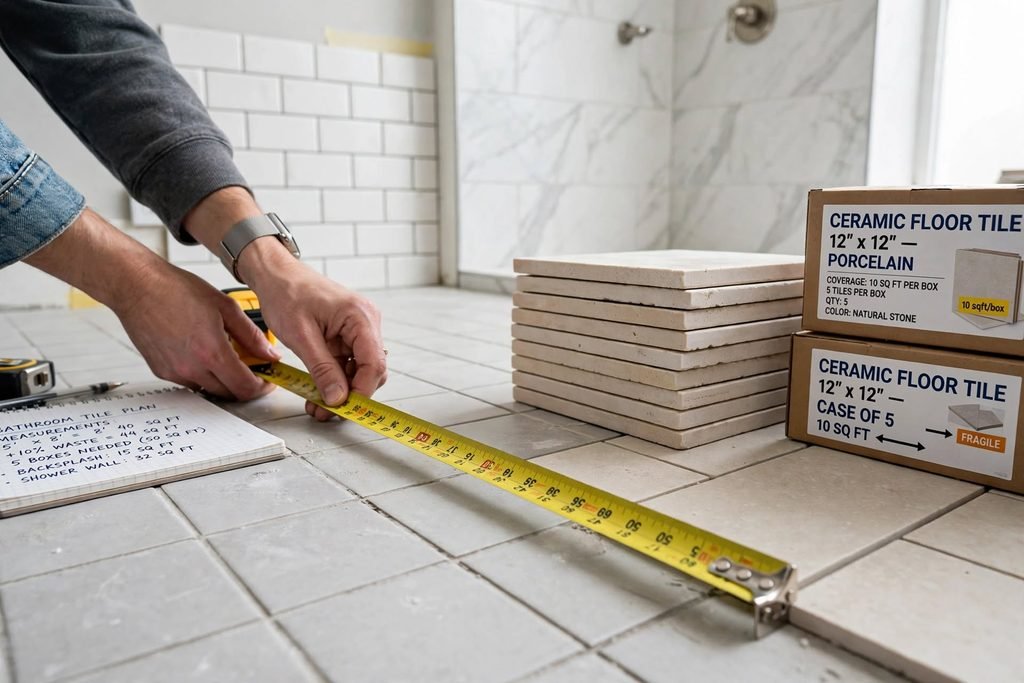
Whether you are tiling a bathroom floor, kitchen backsplash, shower wall, or another surface, this guide explains how to measure your project and calculate the quantity accurately.
Tile Calculator
Calculate how many tiles you need for your floor or wall project.
Enter the surface dimensions and tile size, then add your installation waste allowance and the number of tiles per box. The calculator will estimate the total tiles and boxes required.
1. Surface Measurements
2. Tile Size and Packaging
Enter your surface and tile measurements to calculate your materials.
This calculator provides an estimate based on rectangular surface measurements and the tile dimensions entered. For L-shaped or irregular areas, divide the surface into rectangles, calculate each section separately, and add the areas together. Grout, adhesive, waterproofing, trim, labor, and installation accessories are not included. Always confirm package quantities and product details before purchasing.
What Is a Tile Calculator?
A tile calculator is an online tool that estimates how many individual tiles are needed to cover a measured surface. It uses the surface area and tile dimensions to calculate the basic quantity, then adds an allowance for cuts, breakage, and installation waste.
The tile calculator on this page is designed for rectangular surfaces and rectangular or square tiles. It calculates the total surface area, subtracts any area that will not be tiled, and estimates the number of tiles required after adding your selected waste allowance.

It also calculates how many complete boxes to purchase based on the number of tiles in each box.
This can be useful for homeowners, renters planning permitted improvements, and DIY enthusiasts preparing a tiling project.
How to Use the Tile Calculator
Follow these steps to estimate the number of tiles you need.
1. Measure the Surface Length
Measure the length of the floor or wall you plan to tile. Enter the measurement in feet.
For example, a bathroom floor might measure 12 feet from one end to the other.
2. Measure the Surface Width
Measure the other side of the surface. For a floor, this is the distance across the room. For a wall, enter its height instead.
If the surface is 10 feet wide, the total area is:
12 × 10 = 120 square feet.
3. Enter Any Area That Will Not Be Tiled
If a section of the measured surface will remain uncovered, enter its area in the deduction field.
For example, you may have a permanent opening or a section that will use a different material. Enter zero if the entire measured surface will receive tiles.
Do not subtract fixtures or furniture if the tiles will be installed around or underneath them.
4. Enter the Tile Dimensions
Measure one tile or check its actual dimensions on the product packaging. Enter its length and width in inches.
For example, a square tile measuring 12 × 12 inches covers approximately one square foot.
A rectangular tile measuring 12 × 24 inches covers approximately two square feet before accounting for grout joints and installation details.
5. Choose an Extra Tile Allowance
The calculator starts with a 10% allowance for cuts, breakage, and installation waste. You can change this percentage to suit your project.
A straightforward layout may need less additional material than a diagonal pattern or a surface with many corners and obstacles. Ask your installer or tile supplier if you are unsure which allowance is appropriate.
6. Enter Tiles per Box
Check the package to find how many individual tiles are included in one box. Enter that quantity.
The calculator rounds the number of boxes up to the next whole box because suppliers generally sell complete packages.
7. Enter the Price per Box (Optional)
If you know the price of one box, enter it to estimate the total tile material cost.
The result covers the tile boxes only. It does not include grout, adhesive, waterproofing, labor, tools, or other installation materials.
How Is the Number of Tiles Calculated?
The tile calculator uses a few straightforward formulas.
Step 1: Calculate the surface area
Surface length × surface width = total surface area.
Step 2: Calculate the net area
Total surface area − area not to be tiled = net area.
Step 3: Calculate the area of one tile
Tile length in inches × tile width in inches ÷ 144 = tile area in square feet.
Step 4: Calculate the number of tiles
Net area ÷ area per tile = estimated number of tiles before waste.
Step 5: Add the waste allowance
Base tile quantity × (1 + waste percentage) = required tile quantity.
Round up to the next whole tile.
Step 6: Calculate the number of boxes
Required tiles ÷ tiles per box = number of boxes. Round up to the next complete box.
Tile Calculation Example
Suppose you want to tile a rectangular floor measuring 12 feet by 10 feet. You have square tiles measuring 12 × 12 inches, and each box contains 10 tiles.
- Surface length: 12 feet
- Surface width: 10 feet
- Total area: 120 square feet
- Tile size: 12 × 12 inches
- Area per tile: 1 square foot
- Base quantity: 120 tiles
- Extra allowance: 10%
- Quantity including waste: 132 tiles
- Tiles per box: 10
- Boxes required: 14
You need 132 tiles for the estimated surface and allowance, so you must purchase 14 complete boxes containing 140 tiles.
Our tile calculator performs these calculations automatically, allowing you to adjust the measurements and see the results immediately.
How Much Extra Tile Should You Buy?
The appropriate allowance depends on the tile layout, surface shape, tile material, and installation method.
For a simple straight layout, 10% is a useful starting estimate. Diagonal patterns and complicated layouts may create more offcuts and require a larger allowance.
The Ceramic Tile Education Foundation installation workbook explains how to calculate the surface area, add a waste factor, divide by the coverage per carton, and round up to a complete carton.
The Tile Council of North America is another useful industry resource for information about tile installation standards and technical guidance.
These percentages are planning estimates, not universal requirements. Always check the manufacturer’s recommendations and discuss complicated layouts with an experienced installer.
Tips for Measuring a Tiling Project
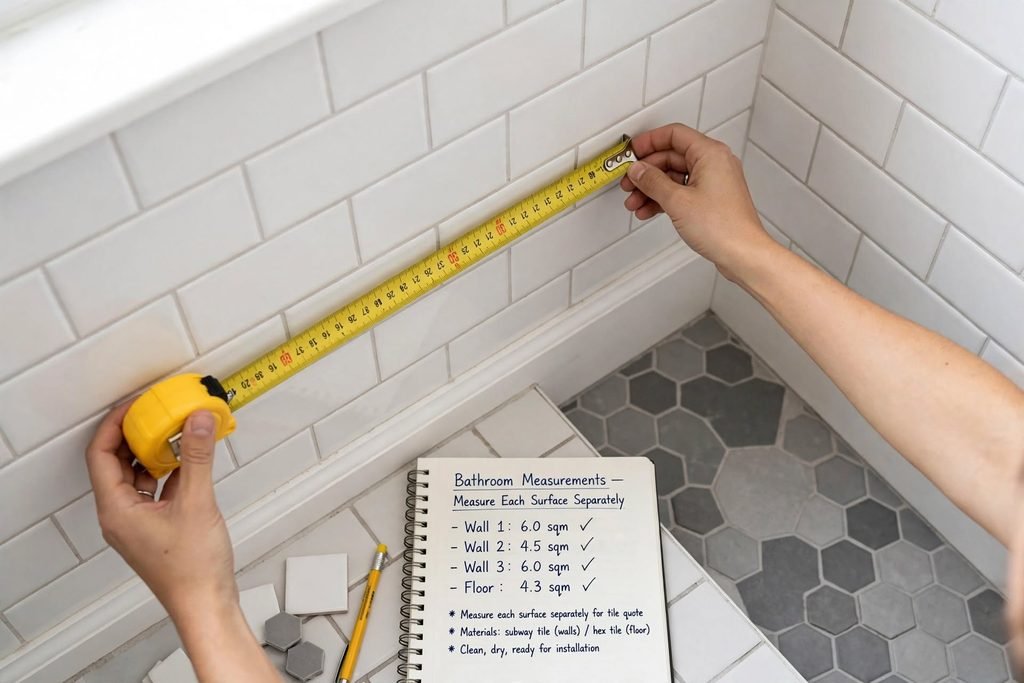
Measure Each Surface Separately
If you are tiling several walls in a bathroom, measure each wall separately and calculate its area. Add the areas together if they use the same tile and product.
Keep floors and walls separate when they use different tiles or materials.
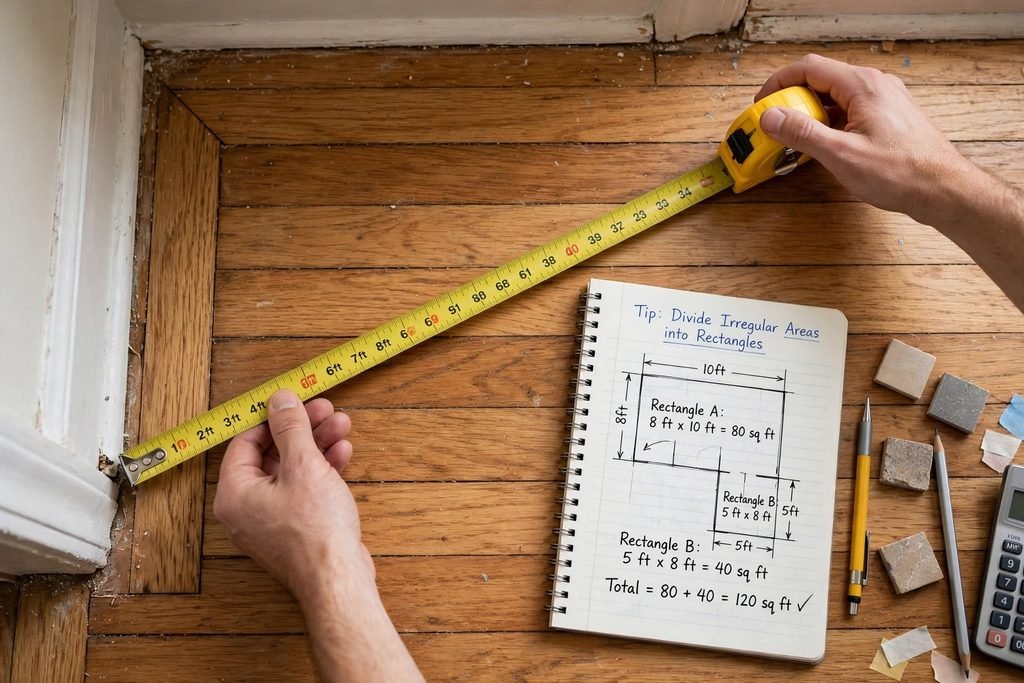
Divide Irregular Areas into Rectangles
An L-shaped room cannot always be measured accurately using one length and width. Divide it into smaller rectangles, calculate each area, and add the results together.
For example, if one section measures 80 square feet and another measures 40 square feet, the combined surface area is 120 square feet before deductions and waste.
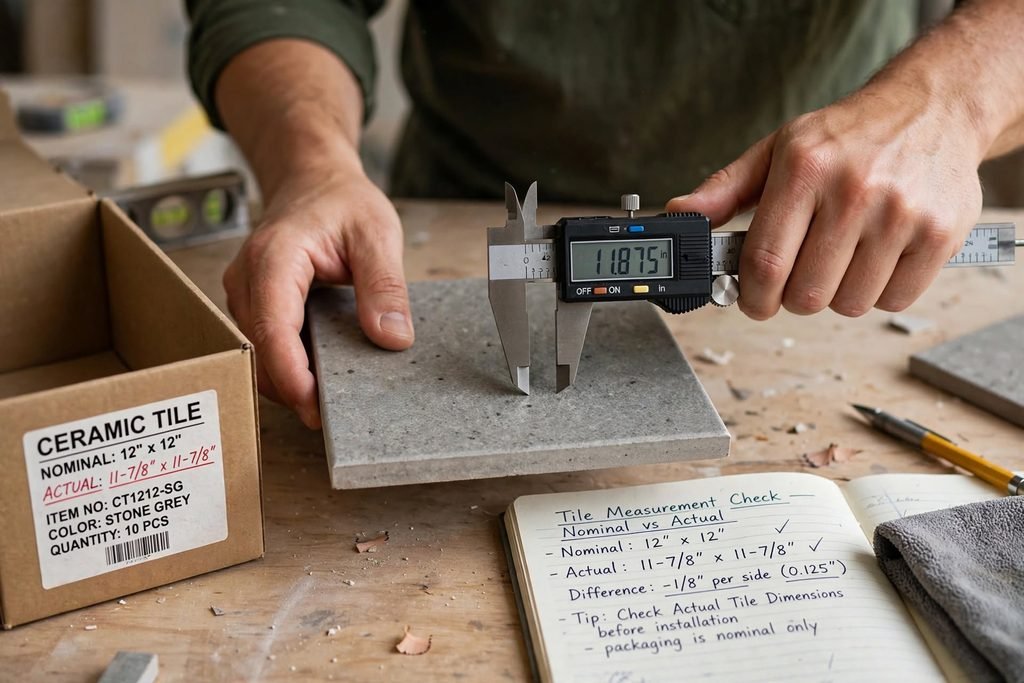
Check Actual Tile Dimensions
Do not rely only on a product’s nominal size. Check the actual dimensions and packaging information. Different tile products can have slightly different measurements.

Check the Package Coverage
Some manufacturers list the number of tiles per box, while others emphasize the total coverage in square feet. Use the correct information when estimating your order.
Keep Some Extra Tiles
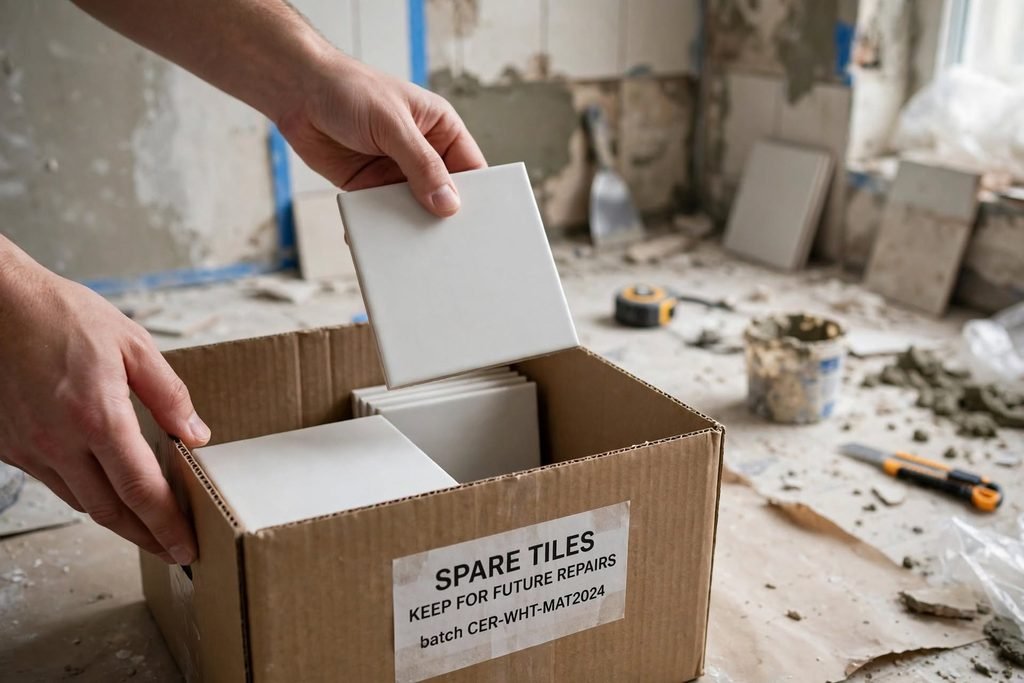
If possible, consider keeping a few unused tiles from the same product batch for future repairs. Tile color and appearance can vary between production batches, so matching replacement pieces later may be difficult.
Other Home Improvement Calculators and Guides
If you are planning a wider renovation, our other tools can help you estimate the materials needed for different parts of your home.
Use the Paint Calculator to estimate the amount of paint required for your walls. Our Flooring Calculator helps estimate flooring quantities and complete packages for a room.
You can also explore our guide to How to Choose the Right Paint Finish for Every Room for practical painting advice.
If you are comparing flooring materials, read Laminate vs. Vinyl Flooring: Which Is Right for Your Home?.
For additional project ideas, explore DIY Home Repairs Every Homeowner Should Know, Budget-Friendly Home Improvements That Add Comfort, and How to Prepare Your Home for a DIY Renovation Project.
Final Thoughts
Knowing how many tiles you need before starting a project can make purchasing and preparation much easier. Our tile calculator helps estimate the required tile quantity, extra material, complete boxes, and optional material cost.
Measure your surface carefully, check the actual tile dimensions and package information, and choose a waste allowance that suits your installation layout. For complicated surfaces or decorative patterns, ask an experienced installer to review your measurements before ordering.
With careful planning, you can reduce avoidable waste and approach your next tiling project with greater confidence.
Frequently Asked Questions
Calculate the surface area, divide it by the area of one tile, and add an allowance for cuts and breakage. Round up to a whole tile, then calculate the number of complete boxes required.
A 12 × 12-inch tile covers approximately one square foot. You need about 100 tiles before waste. With a 10% allowance, plan for approximately 110 tiles.
A 10% allowance is a common starting point for a simple layout. More complicated patterns, irregular rooms, and additional cuts may require more. Follow your product and installer recommendations.
The number varies by tile size and manufacturer. Check the package for the exact number of pieces or total square footage covered by one box.
Yes. Enter the length and width of the surface you plan to cover. For a wall, use its width and height. For a floor, use its length and width.
Divide the room into smaller rectangles. Calculate the area of each section separately, then add the results together before applying the waste allowance.
No. It estimates tile quantities and optional tile box costs only. Grout, adhesive, waterproofing, underlayment, labor, and other installation supplies must be estimated separately.
No. It provides an estimate based on the dimensions and allowance entered. Actual requirements may vary depending on the layout, cuts, tile dimensions, breakage, and installation conditions.